CONTENT / 01
Switch Between Slots, Live Tables and Sportsbook
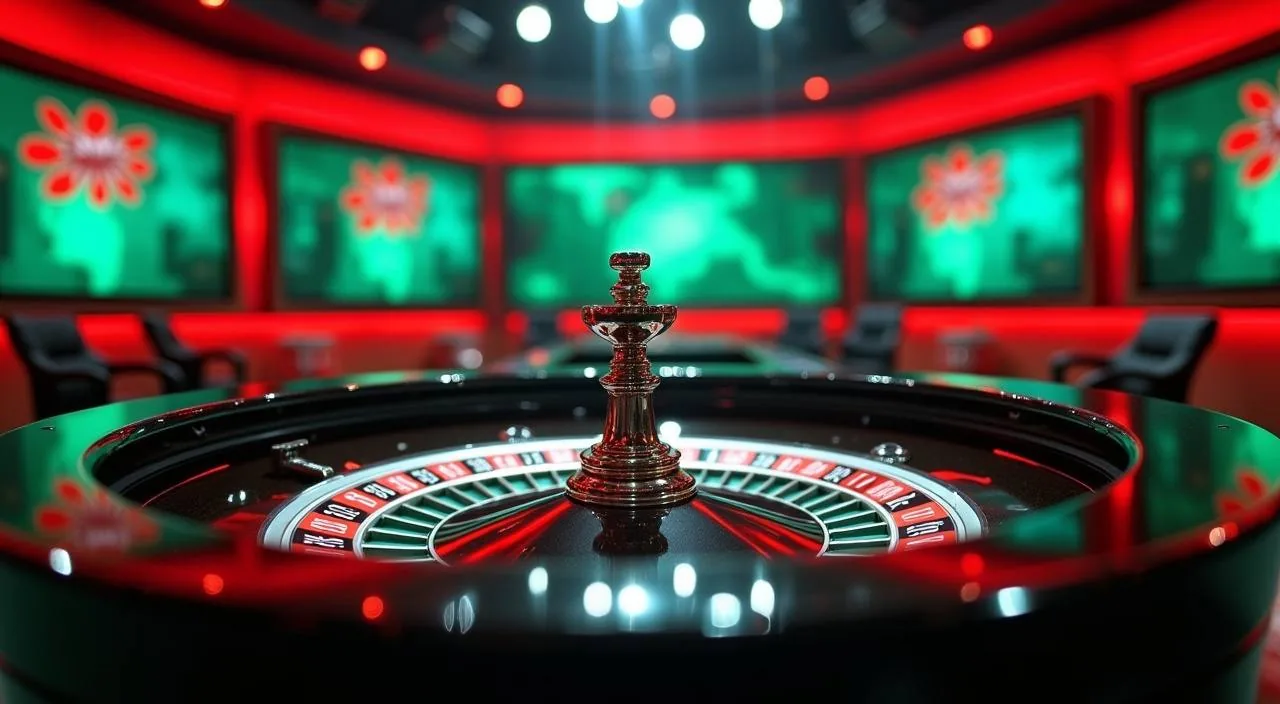
The lobby is organised so you can move between game categories without going back to a home screen. Slots from JDB and CQ9 load in the main rail; live dealer tables from Pragmatic Play and Microgaming sit in their own tab; and the sportsbook
-
Crash Bangladesh Arena
A crash-format game built around fast multiplier rounds. The round starts, the multiplier climbs, and you decide when to step out. Each round is independent and the result is determined by the game engine, not by previous rounds. Game details including studio information are shown on the card panel inside the lobby.
-
Blackjack TableChamp
A live-format blackjack table where you play against a dealer in real time. Standard blackjack rules apply; the table panel shows current bet limits before you sit down. Available in the live casino tab of the lobby. Check the table card for studio attribution and any published game specifications before joining a session.
-
Football Halftime Bet
An in-play sports betting market focused on halftime outcomes in football matches. Available in the sportsbook tab alongside cricket markets. Odds are live and update with match events. Check the sportsbook section for current fixtures and available markets — we do not publish odds outside the live sportsbook interface.
CONTENT / 02
Explore Slots, Live Casino and Sportsbook in One Place
The lobby brings together casino slots and live dealer tables from Microgaming, JDB, CQ9 and Pragmatic Play alongside a sportsbook where cricket markets are the headline category. Switch between sections using the category strip — the games load where you left off.
CONTENT / 04
1111beat lobby studios
The 1111beat lobby carries content from Microgaming, JDB, CQ9, Pragmatic Play. To check the studio, rules or features of one specific game, open that game card or the published information panel.
-
Microgaming
-
JDB
-
CQ9
-
Pragmatic Play
CONTENT / 03
Open the Full Lobby from Your Phone Browser
The 1111beat lobby is built to run in a mobile browser without a separate download. Open the site address in Chrome or any standard Android browser and the layout shifts to a single-column view with the category strip pinned at the top of the screen. If the page does not load correctly on first visit, clearing the browser cache usually resolves display issues without any further action. Rotating the device to landscape orientation can give a wider view of the sportsbook odds columns, while portrait mode remains the more comfortable layout for slot titles and live table feeds.
-
No Download Needed
The full lobby — slots, live tables, sportsbook and account dashboard — runs in your phone's browser. Open the site address in Chrome or a standard Android browser and the mobile layout loads automatically.
-
Deposit from Your Phone
The deposit screen works the same in the mobile browser as on desktop. Select Nagad or Rocket, note the merchant number shown, switch to your wallet app to send the amount, then switch back to check your transaction history. The whole flow stays on your phone without needing a computer at any point.
-
Account Dashboard on Mobile
Your transaction history, account settings and the support chat widget are all accessible from the mobile browser dashboard. The layout reflows for a smaller screen but the functions are identical to desktop.
 App / Sports